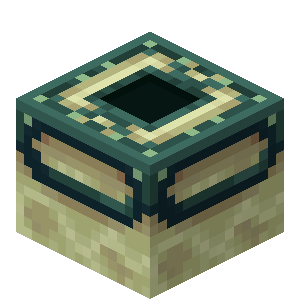
Teleport Pads are used for teleportation between two predefined locations. Below you can learn how to craft a teleport pad (obviously you will need two of them lol):
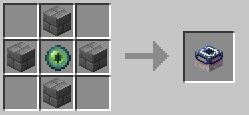
Beside the TP pad you'll need something called "TP Harmonizer", which is used for synchronising two TP pads. This is how you craft the TP Harmonizer. The order of items for this recipe is arbitrary.

How to correctly synchronize TP pads?
Firts of all you need to place both of TP pads in the world, just like in the following image.
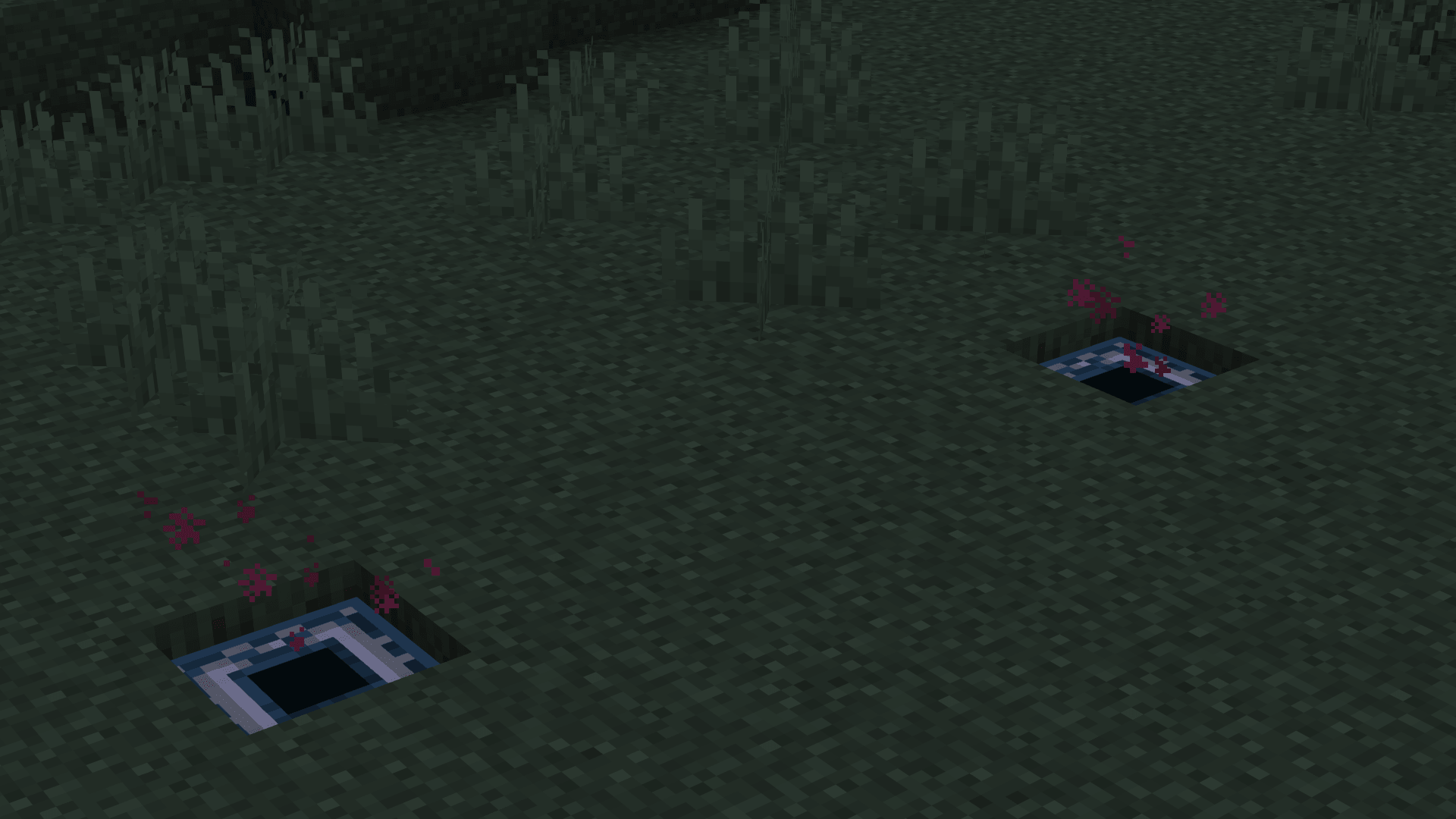
TP Pads will emit red particles - the color stands for actual status. In this case red means that both of the pads aren't synchronised yet.
Left-Click on 1st pad with TP Harmonizer. The data of 1st pad will be saved to the harmonizer, and after Left-Clicking on 2nd pad, both of them should be successfully synchronised. Their status will change to "ready-to-use" which means they will start to emit green particles. Keep in mind that after successful synchronisation it will take 1 durability point for TP Harmonizer (default durability for it is set to 10 pts so 10 successful syncs before the harmonizer breaks).
pro-tip: you can place and synchronise 1st pad without placing 2nd one. Useful when you're not sure where the second pad will be placed.
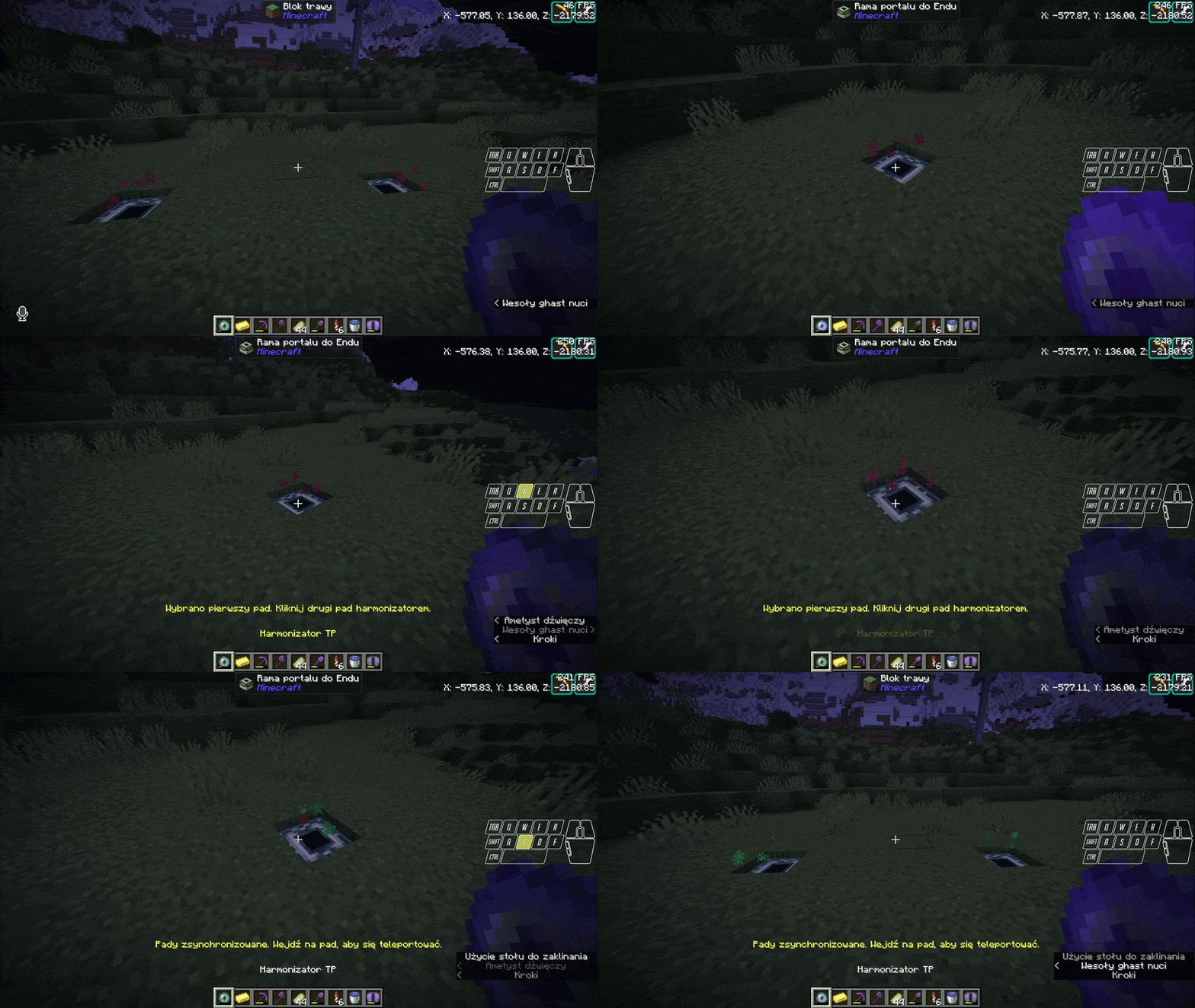
Using the pads is easy and intuitive - just stand on one pad and wait for the teleportation to occur.
During waiting for teleportation you can notice that color of particles is changing to yellow - that means someone (you or sometimes person on the other side) is already waiting for the teleportation. No one else beside the person can use both tp pads. After teleporting the particles will change to gray - in this state both pads are waiting for you to step off. During the "gray" state, TP pads are also unusable (useful if someone is chasing you and you want to block them of for a moment. and yes - they literally can't do anything about that beside either wait it off or go the "raw" way).
Color statuses are synchronised between TP pads.